Desktop POS: simple but limited
A desktop POS is installed on one computer in one place. It works for a single counter, but data stays on that device, updates are manual and checking your sales from outside the shop is difficult.
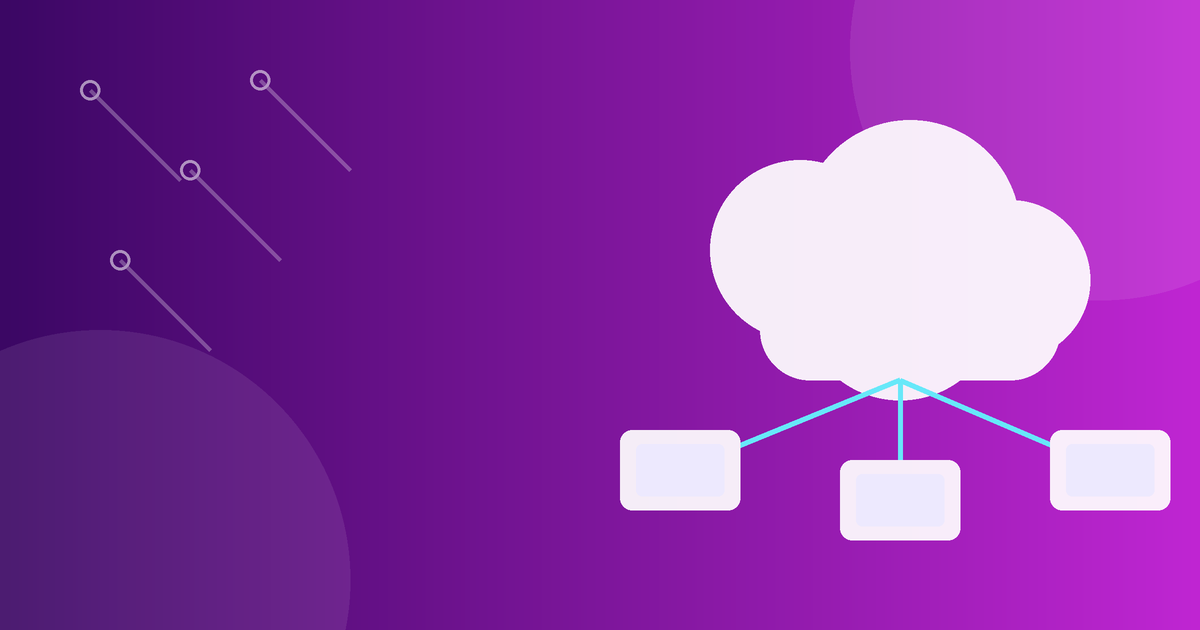
Cloud POS: access from anywhere
- Open your POS from any device, anytime
- Manage many branches from one account
- Get automatic backups and updates
- Monitor live sales and stock remotely
Mobile and restaurant POS
Mobile POS lets staff take orders and payments anywhere in the store. Restaurant POS adds tables, modifiers and kitchen flow, while retail POS focuses on barcodes and fast stock updates.
Which type should you choose?
If you plan to grow, open branches or want to manage your business from home, choose cloud. ERP Eagles is cloud-based and can work offline when needed, so you get flexibility without losing sales.
Try ERP Eagles free
Point of Sale software with a fast, real-time cashier screen for shops, restaurants and service businesses.